

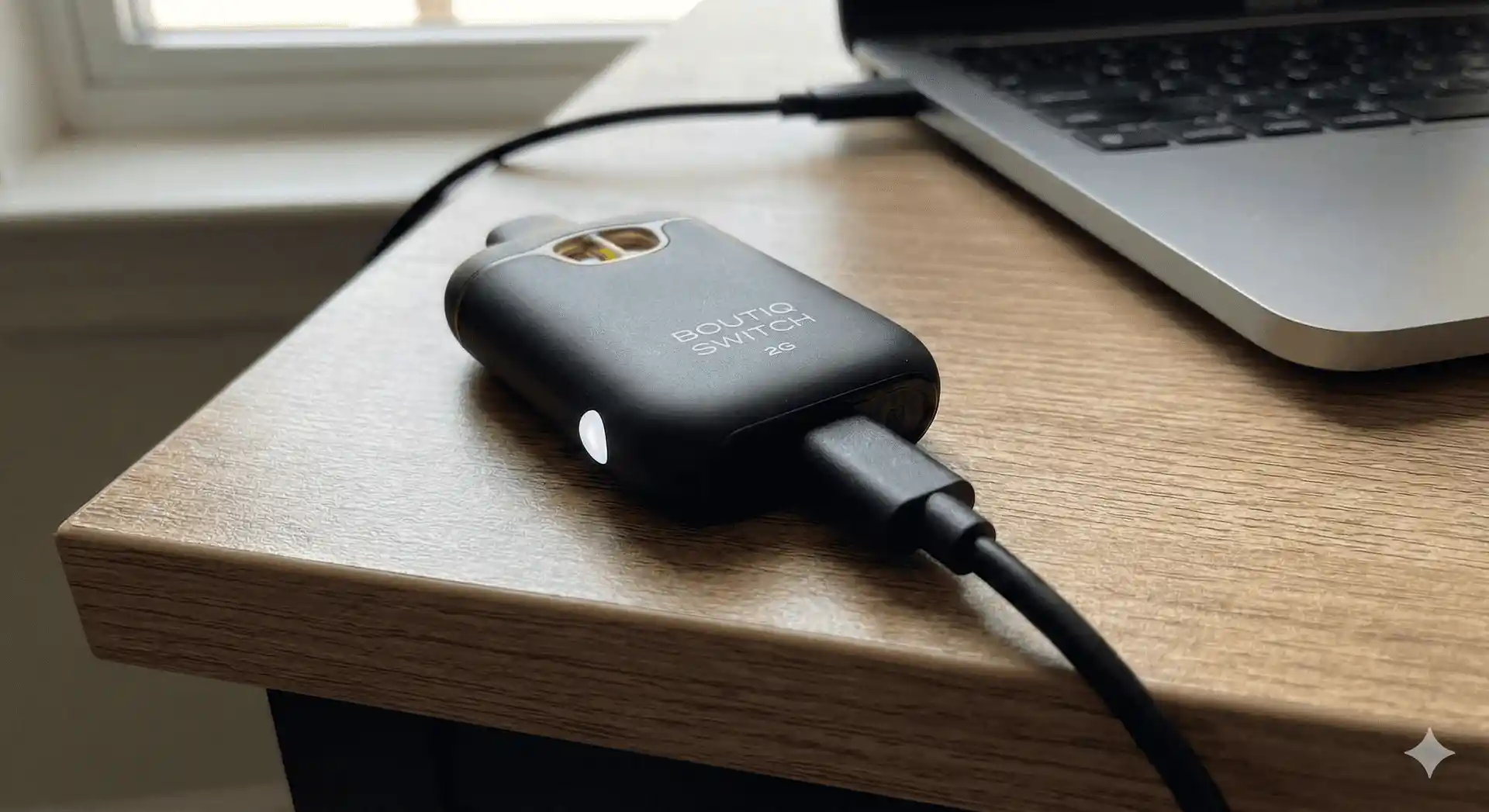
There is nothing worse than reaching for your vape, ready to switch flavors, only to find it dead.
While disposable vapes used to mean “toss it when it dies,” the 2g capacity of the Boutiq Switch means the battery will likely run out before the oil does. Knowing how to properly recharge it—and troubleshoot it when things go wrong—is essential to getting your money’s worth.
This guide covers everything you need to know about keeping your Boutiq Switch powered up and decoding those annoying blinking lights.
The Basics: How to Charge Your Boutiq Switch
The charging process is straightforward, but using the right equipment matters for the longevity of the device.
1. Locate the Port
The charging port on the Boutiq Switch is located at the very bottom base of the device.
- Note on Models: Most modern 2g Switches utilize a USB-C port for faster, more reliable charging. However, if you have an older model variant, double-check if it requires a Micro-USB. Never force the wrong cable into the port.
2. Use the Right Cable & Block
This is the most crucial step for safety.
- The Cable: Use a standard USB-C to USB-A cable.
- The Power Source: Plug the USB-A end into a low-output power source, like a laptop USB port, a gaming console, or a standard 5V/1A wall block (like an old iPhone cube).
- WARNING: Do NOT use high-speed “fast chargers” (like MacBook Pro chargers or modern Samsung blocks). These push too much voltage and can fry the small lithium-ion battery inside the disposable, leading to failure or overheating.
3. Watch the Indicator Light
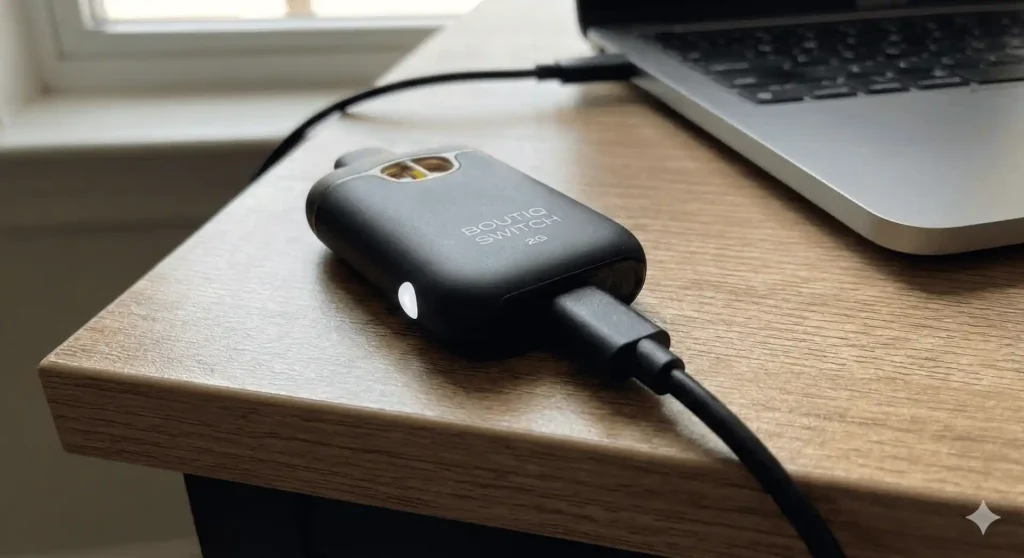
Once plugged in, the LED light on the device should illuminate to indicate it is receiving power.
- Solid Light: The device is actively charging.
- Light Turns Off: The device is fully charged. This usually takes 45 to 90 minutes, depending on how depleted the battery was.
Troubleshooting: Why Is My Boutiq Switch Blinking?
The LED light is the device’s only way of communicating with you. A blinking light usually means something is wrong. Here is how to decode the blinks:
Scenario 1: Blinking When You Try to Hit It
If you inhale and the light blinks 3–10 times rapidly, and no vapor comes out:
- Diagnosis: The battery is dead.
- The Fix: Charge the device for at least 30 minutes using the steps above.
Scenario 2: Blinking While Plugged In (Not Charging)
If you plug it in and the light just blinks repeatedly but doesn’t stay solid:
- Diagnosis: Connection issue or incompatible charger.
- The Fix: Try a different cable first. If that fails, switch to a lower-power wall block or try a laptop USB port. Ensure there is no lint stuck in the charging port (gently use a toothpick to check).
Scenario 3: Solid Light While Hitting (But No Vapor)
The light works, but you aren’t getting a hit.
- Diagnosis: This is usually a clog, not a battery issue. The oil is cold and blocking the airway.
- The Fix: Warm the device in your hands for a few minutes, or use a hairdryer on low heat gently near the mouthpiece area to loosen the oil. Take hard, dry pulls until the clog clears.
3 Golden Rules for Vape Battery Safety
Even though it’s a “disposable,” it still contains a lithium-ion battery. Treat it with respect.
- Never Charge Overnight: Do not leave the device plugged in while you sleep. Once it’s full, unplug it.
- Avoid Extreme Heat: Don’t leave your vape in a hot car during the summer. Heat can degrade the battery and cause leaks.
- If It Gets Hot, Unplug It: If the device feels painfully hot to the touch while charging, unplug it immediately and move it to a non-flammable surface.
Back in Action?
Now that your device is charged and ready to go, make sure you’re getting the most out of those dual tanks.
If you’ve tried all the charging steps and it still won’t work right out of the box, you may have unfortunately purchased a counterfeit product. See our guide on Real vs. Fake Boutiq Vapes.